


The Moodle Classic theme is being removed from Moodle core, and that hands L&D teams a deadline they did not choose. This is not a plugin quietly falling behind, where you can nurse it along for another release. When a theme leaves core, there is no compatibility patch to buy or apply. The clock is set by Moodle HQ, not by your roadmap or your budget cycle. In this article, we explain why this removal is a different kind of risk, how to audit what your site actually depends on, which successor paths make sense, and how to sequence the move so it does not derail your next upgrade.
Engaged the team for a global retailer application development project. Schedules were consistently met with flexibility to changing scope. Was always impressed with Mindfield’s responsiveness and ability to quickly grasp the problem while offering creative solutions. Applications were of high quality and I wouldn’t hesitate to recommend Mindfield Consulting for any custom development.
Grant R
review Source: Google Reviews
Outline
- Why Removing Classic From Core Is a Fixed Deadline
- Auditing What Your Site Really Depends On
- Choosing a Successor You Won’t Redo in Two Years
- Sequencing the Move and Avoiding Common Risks
- Planning Your Theme Migration With Moodle Experts
- Frequently Asked Questions (FAQs)
Why Removing the Moodle Classic Theme From Core Is a Fixed Deadline
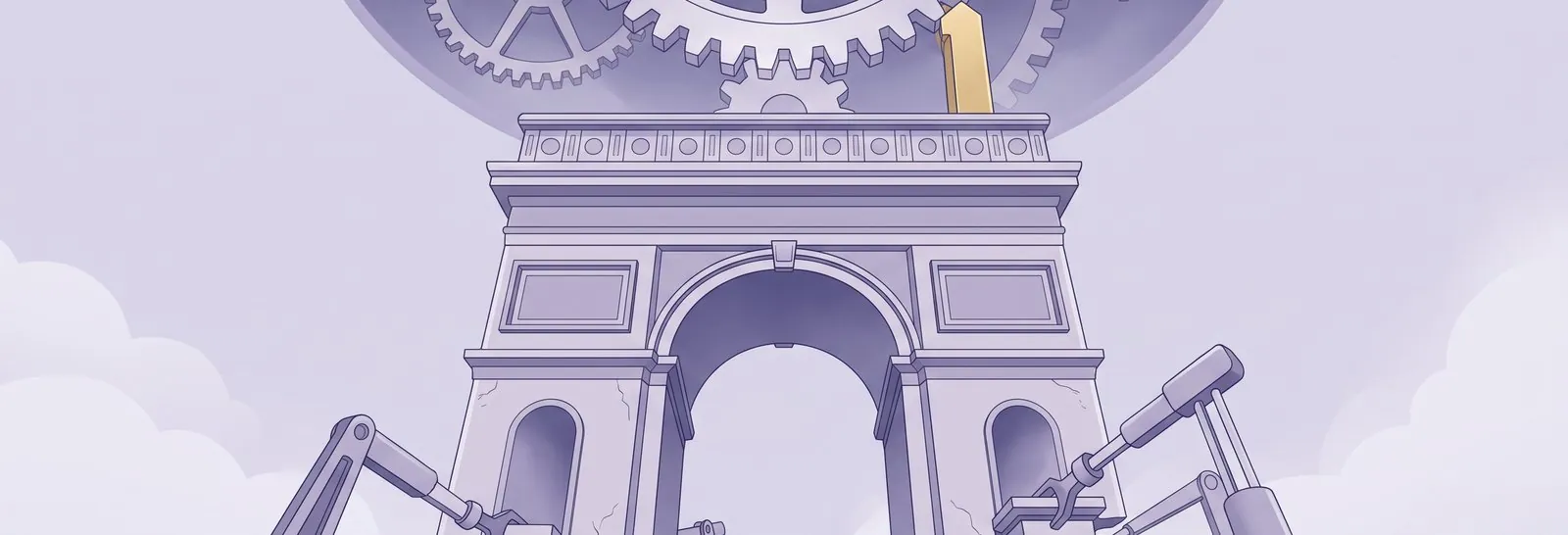
A theme leaving Moodle core is a different problem from a third-party theme going quiet, though not in the way most teams assume. Classic does not disappear in Moodle 6.0. It moves out of core and into the plugins directory, so the code survives while Moodle HQ’s commitment to testing and shipping it with every release does not. In other words, a supported core theme quietly becomes a community-maintained one, which is much closer to the position of sites that had to update from the Fordson Moodle theme than the announcement makes it sound. Support for the Moodle Classic theme in core now has an end date, and delay only accumulates security and compatibility risk.
What Actually Changes in Moodle 6.0
Classic is scheduled for removal from Moodle core in version 6.0, at which point it moves into the plugins directory. It will no longer ship with new installations, and it will no longer carry the testing and release guarantee that comes with being part of core. Moodle HQ’s stated reason is usage: Classic runs on roughly 1.6% of registered Moodle sites, less than half the next most popular theme, so the maintenance effort is better spent elsewhere.
As a result, the real decision is not whether your interface still works the morning after the upgrade. It is whether you want it depending on a plugin that nobody has committed to maintaining. For the current release-cycle timeline, confirm dates on the official Moodle site rather than relying on secondhand summaries.
There Is Clear Precedent Here
Moodle has done this before. In Moodle 3.7, the Clean, More and Bootstrapbase themes were removed from core. At that time, Classic was the landing spot offered to sites moving off those older interfaces.
So the pattern is familiar: a theme is retired, and users are pushed toward the current supported line. Teams that treated the 3.7 change as urgent had a calm migration. Those that waited hit the deadline unprepared.
You Still Have a Genuine Support Window
The good news is that Classic still ships and remains supported throughout the entire 5.x line, including Moodle 5.3. That version is the next long-term support (LTS) release. It is scheduled for release on 5 October 2026, with general support planned to 4 October 2027 and security updates continuing after that.
Consequently, you have a real runway to plan a careful move rather than a scramble. The mistake is assuming that runway is longer than it is.
Auditing What Your Site Really Depends On

Before you pick a new theme, measure how much of your site’s identity actually lives inside the current one. Most teams underestimate this. The visible branding is only the surface, and the surface is the cheap part to reproduce.
Brand Assets Are the Easy Part
Logos, colour palettes, login backgrounds and font choices transfer with little effort. These are configuration values, not deep engineering. For example, a retail training portal’s orange header and custom login banner can be rebuilt on a new theme in an afternoon.
So do not let branding dominate the conversation. It rarely drives the timeline or the cost.
Undocumented Fixes Are the Hard Part
The expensive risk is presentation behaviour that nobody wrote down. Over years, administrators layer in small styling tweaks to fix a misaligned block, hide an element, or force a layout on one page. Furthermore, the person who made each change has often moved on.
As a result, no single document explains why the site looks the way it does. It is the same dynamic behind Moodle CSS getting overwritten when administrators work together, only spread across years instead of a single sprint. When those quiet fixes vanish on a new theme, the regressions look random and are slow to trace.
Where the Real Migration Cost Hides
The true cost lives in customization written against Classic’s own structure rather than generic building blocks. This is what multiplies the testing effort. In particular, watch for these cost drivers:
- Theme-specific SCSS: custom styles targeting Classic’s markup, not portable Bootstrap classes.
- Block layouts: arrangements on the front page and across course pages that assume Classic’s regions.
- Presentation overrides: per-role, per-cohort and per-category display rules that each need retesting.
- Accessibility behaviour: contrast, focus order and labels that a theme swap can quietly break.
Each override you carry forward multiplies the testing matrix. A rule that behaves differently for managers, learners and one course category is effectively three tests, not one. Consequently, accessibility regression is the biggest hidden danger. When testing budgets get trimmed under deadline pressure, contrast and keyboard navigation are usually the first checks dropped, and those are exactly the ones that expose you. Treat the work to improve Moodle accessibility and WCAG compliance as part of the theme move rather than a follow-up project.
Choosing a Successor You Won’t Redo in Two Years

Pick a successor based on who maintains it and how fast they ship compatibility for new Moodle releases. The interface matters less than the maintenance track record. A theme that lags a release behind every year simply recreates the problem you are solving now.
Boost: The Default Parent Theme
The Moodle Boost theme is the safest baseline because Classic is a child of it. In practice, that shared ancestry means much of your styling logic already sits close to Boost’s structure. Moodle ships and maintains Boost directly, so its compatibility with each new release is effectively guaranteed.
For many sites, moving to Boost with light branding is the lowest-risk path. You trade some of Classic’s visual character for long-term stability.
Commercial and Community Themes
Third-party themes can restore a richer look and add layout options Boost lacks. However, judge them on the maintainer’s history, not the demo screenshots. Before committing, check how quickly the vendor shipped support for the last two or three major Moodle releases.
A shortlist of top Moodle themes is a fair starting point, but the maintenance record decides it. A theme that took months to catch up last time will do the same again. That said, a well-maintained commercial theme with a responsive vendor can be a strong fit for a marketing-facing portal.
A Custom Boost Child Theme
A custom child theme built on Boost gives you brand control while inheriting Boost’s stability. This is the middle path: your presentation logic lives in a thin layer over a core-maintained parent. As a result, future upgrades touch only your small custom layer rather than a whole third-party codebase.
It costs more upfront than adopting a stock theme. Over several upgrade cycles, though, it is often the cheapest option to own.
| Path | Upfront Cost | Upgrade Risk |
|---|---|---|
| Boost with light branding | Free | Low |
| Commercial / community theme | $$ | Depends on vendor |
| Custom Boost child theme | $$$ | Low |
Relative comparison only, judged for a mid-sized Moodle site moving off Classic on the 5.x line. Upfront cost reflects build and branding effort rather than licence price, and upgrade risk assumes each option stays on its current maintainer’s release cadence.
The relative cost gap widens the more custom presentation you carry. Sites with heavy per-cohort styling often find a custom child theme pays back within two upgrade cycles, while a lightly branded site rarely needs it. Exact figures depend on your setup, edition and user count, so treat these as directional. For a tailored estimate, talk to Mindfield.
Sequencing the Move and Avoiding Common Risks
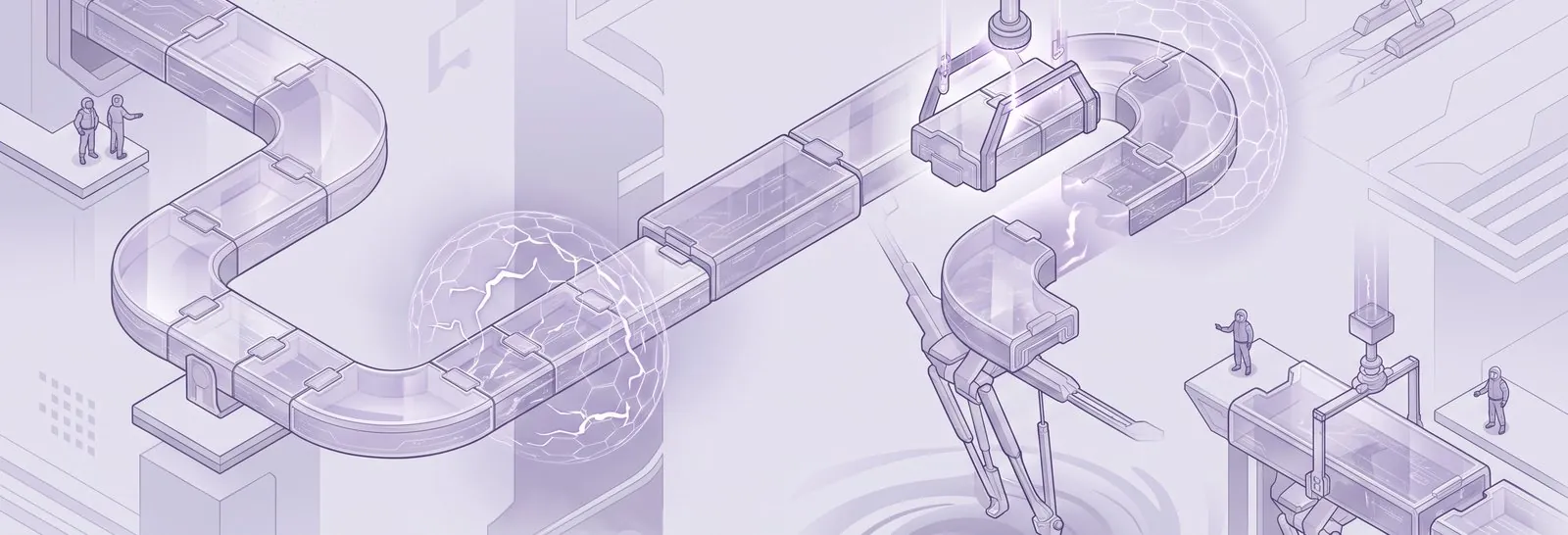
Move your theme first, then upgrade Moodle later as a separate project. Bundling the two is the most common planning mistake. It feels efficient, but it destroys your ability to know what broke and why.
Move the Theme Before the Upgrade, Not With It
When a theme change and a version upgrade land together, cause attribution collapses. A broken block could be the new theme or the new Moodle version, and you cannot tell which. Furthermore, rollback becomes far messier when two large changes are entangled.
Instead, use the 5.3 LTS support window to switch themes while your Moodle version stays fixed. Then the later upgrade is a routine step, not a redesign.
What to Back Up and Confirm First
Protect yourself before any theme is changed on the live site. Ask your team or vendor to confirm these safeguards are in place:
- Full backup: a restorable copy of the database and file storage.
- Staging clone: a mirror site to test the new theme against real content.
- Customization inventory: a written record of every style and layout override.
- Rollback plan: a defined path back to Classic if testing fails.
A staging clone matters most. Testing on a copy that holds your actual courses, blocks and role setup surfaces problems that a clean demo never will.
What Commonly Breaks and How to Catch It
The failures cluster in predictable places, so test those first. Layout regressions on the front page and dashboard are the most visible. Meanwhile, accessibility issues are the most damaging and the easiest to miss.
Plan structured testing across the roles and categories your overrides target, not just an administrator’s view. If you already use automated testing strategies for Moodle upgrades, the theme move is a good reason to extend that coverage to presentation. By contrast, a quick glance as an admin hides most of the real problems, because your custom rules behave differently for learners and managers.
Planning Your Theme Migration With Moodle Experts

A theme migration looks simple until the undocumented customization and role-specific behaviour surface late in testing. Mindfield’s Moodle specialists handle this end to end: auditing what your current theme really controls, recommending the right successor for your maintenance appetite, and building a custom Boost child theme when brand control matters. We sequence the theme move ahead of your next upgrade so cause and rollback stay clean, which is how you reach Moodle 6.0 on a supported, tested interface with no last-minute scramble. For deeper background on the framework underneath, see the official Moodle documentation.
Frequently Asked Questions (FAQs)
This article may contain conceptual illustrations to help support the article content.
